Support
Questions, problems or ideas? Write to babylink.support@gmail.com. I usually answer within a few days. Please tell me your device models and their software versions.
What you need
- Two or more devices with BabyLink: one camera and up to 4 parents.
- All of them on the same Wi-Fi, or on one device’s hotspot.
- Local Network allowed for BabyLink on every device: iPhone Settings → Privacy & Security → Local Network → BabyLink.
How to use
Set up
How do I start?
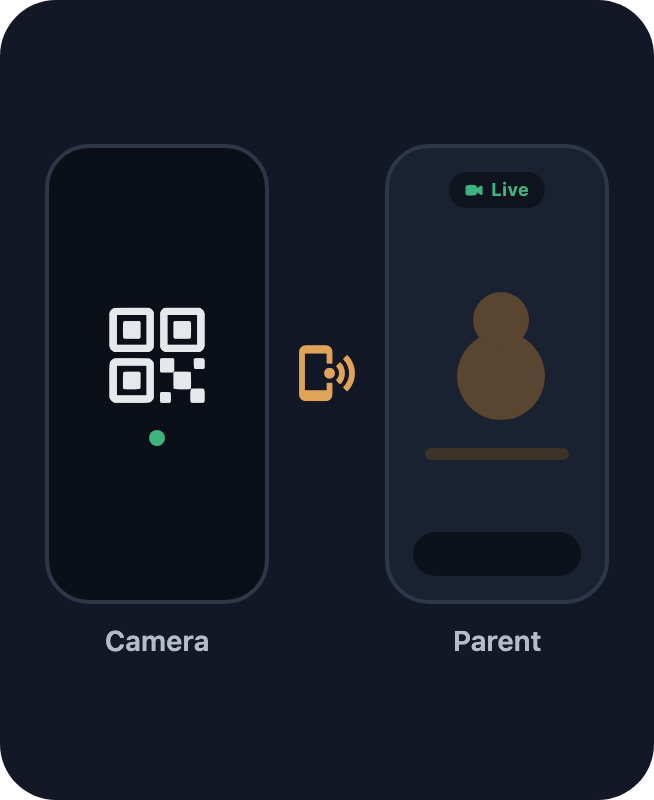
- On the device that stays with the baby: open BabyLink, tap Camera. It shows a code.
- On your device: tap Parent and scan the code.
- Done. Next time the devices find each other by themselves.
Where do I put the camera device?
About 1–2 m from the baby, out of reach, with the whole bed in the picture. Keep it plugged in. Not under a blanket or in the sun: it gets warm.
What is “Before you leave”?
A short list on the camera device: airplane mode with Wi-Fi on, Do Not Disturb, silent, charger. It stops calls and sounds from waking the baby. Open it again with the ! button.
Can I lock the camera device?
With video: no. iPhone stops the camera when it locks. The screen goes dark by itself after 30 seconds, that is enough.
With Audio only: yes, sound keeps going.
Does it need the internet?
No. Only that both devices are on the same Wi-Fi, or on one device’s hotspot. Nothing leaves your home: no account, no server.
Can I see the tour again?
Yes: tap ? and then Take the tour. It shows the parent’s screen step by step, without a camera.
The watching screen
What does the pill at the top show?
The connection in one word (Live, Weak, No video, No sound, Lost), how late the picture is, and the camera device’s battery. Tap it for details.
What are the buttons at the bottom?
Left to right: Devices · Sound · Settings · Camera · Stop. The ☰ at the top left opens the main menu.
What is the arc around the sound button?
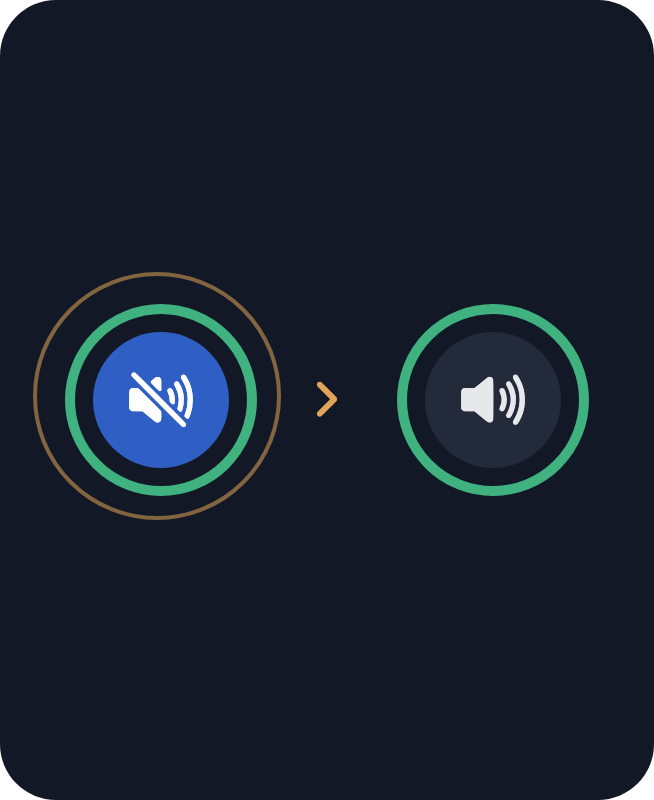
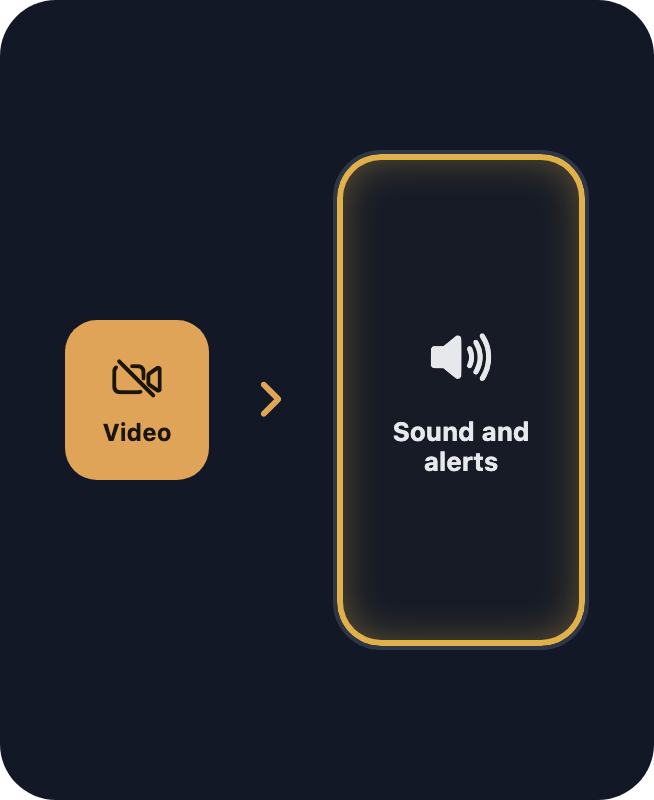
How loud it is by the baby right now. The small arrow is where the Noise alert starts. A blue button means the sound is off on this device.
What is the arc around the camera button?
How much moves in the picture. The arrow is where the Motion alert starts. A blue button means the video is off (Audio only).
How do I zoom?
The picture fills the screen; its sides go a little past the edges. Double tap: closer; again: the whole picture; once more: it fills the screen again. Pinch with two fingers, drag to move. Only the picture here zooms; the camera device is not touched.
Can I use other apps while watching?
Yes. Swipe up to go home: a small video stays on top (or tap the picture-in-picture button under the ? first). Sound and alerts keep working with the screen locked too.
Can I turn the device?
Yes. The picture and the cards turn with it; the buttons stay at their edges. The rotation lock in Control Center keeps everything upright.
Sound and alerts
Why is there no sound?
Sound is off every time you start, so two devices in one room don’t whistle. Tap the blue sound button, then “Turn sound on”.
When do I get a Noise alert?
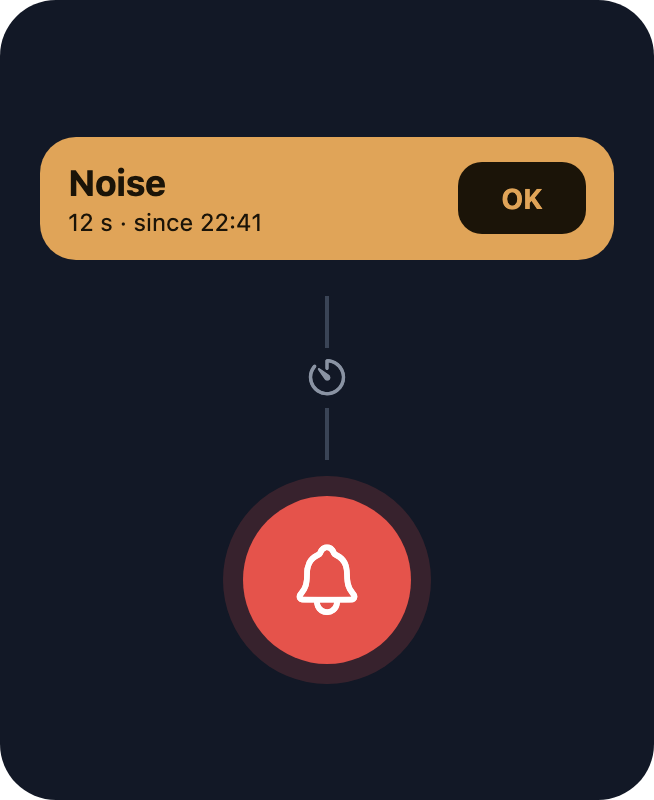
When a sound lasts long enough. Low: loud crying for 8 seconds. Medium: crying for 5 seconds. High: quiet sounds for 3 seconds. Change it in the sound menu.
When does the alarm ring?
Only when you may have missed something: your baby has cried for a minute and you did not react (sound off here), or BabyLink has not been able to watch for about a minute. It starts quietly and gets louder.
How do I stop the alarm?
Touch the screen, open BabyLink, or press and hold the notification and tap Stop alarm. If the crying goes on, BabyLink tells you again after two minutes.
What does OK on a card do?
“I have seen it.” The card goes away; while the crying goes on, a small line under the pill keeps the time.
Can I change when the alarm rings?
In the main menu (☰), Alarms: 30 seconds, 1 minute or 2 minutes, and a switch for each alarm. With a switch off you still get the vibration and the notification.
What if BabyLink closes?
About a minute later iPhone shows “BabyLink is not watching”. To end watching without it, press Stop instead of swiping BabyLink away. In this menu, under “If BabyLink closes”, you can turn off “Notify me”; it turns on again the next time BabyLink starts.
Will the alarm ring when my device is on silent?
Yes. But it cannot be louder than your device’s volume: keep the volume up at night.
What is the Motion alert?
A notification when something moves for a while. Off at first. It never rings the alarm.
What is the photo in notifications?
The last picture from the camera, shown in Noise and Movement notifications, also on your lock screen. Turn it off in Settings (the gear) on the watching screen.
What do the blue banners mean?
Something to know, not an alarm: the camera device’s battery is low, it is hot, a call rings there, or notifications are off. Red means only that BabyLink cannot watch right now.
Camera controls
Video (Audio only)
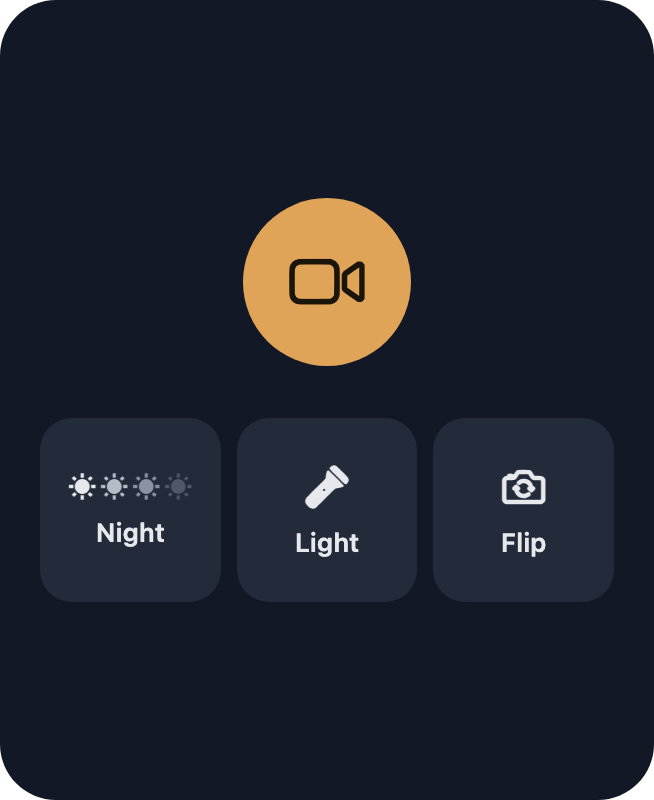
Turns the picture off and keeps the sound. Saves battery and keeps the camera device cool. Good for the night: in a dark room the picture shows little anyway.
Night
Choose how light the room is: four suns, from light to very dark. The darker you choose, the brighter the picture and the less smooth the movement.
Screen
Turns the camera device’s screen dark or back on.
Light
The flashlight on the camera device, from 1 %. BabyLink asks first: it may wake the baby.
Flip
Back or front camera.
More devices
How do I add another parent?
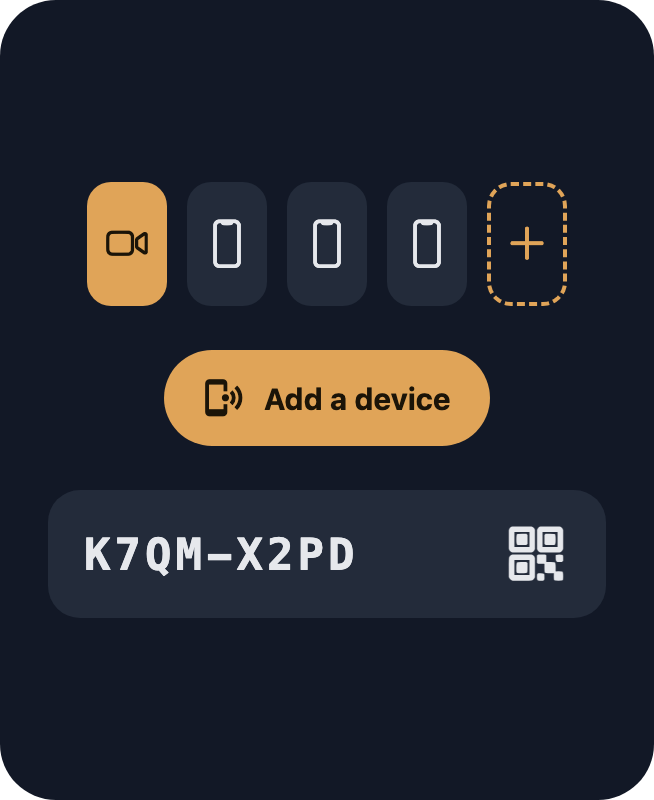
Open Devices, tap “Add a device”. On the new device: Parent, then scan the code or tap “I have a code”. The code works once, for 10 minutes. Up to 4 parent devices.
How do I rename or remove a device?
In Devices: tap the name to rename it, tap × to remove it. Any device can do this.
How do I swap camera and parent?
In Devices, Swap. Works with two devices. Or just tap Camera on the home screen of the parent device: it asks and swaps.
What do Leave and Disconnect all do?
Leave: only this device leaves, the others keep working.
Disconnect all (on the camera device): everyone is disconnected. To use them again, pair with a new code.
Privacy and safety
Who can see my baby?
Only the devices you paired. Video and sound go straight from one device to the other over your Wi-Fi, encrypted. There is no server and no account. Nothing is recorded.
Is BabyLink a medical device?
No. It does not watch breathing or health. It does not replace you checking on your baby.
Troubleshooting
No connection
“Looking for the camera...” and nothing happens
- Open BabyLink on the camera device and unlock it.
- Both devices on the same Wi-Fi?
- iPhone Settings → Privacy & Security → Local Network → BabyLink: on, on both devices.
- Still nothing: Leave, then pair again with the code.
“Connection lost”
BabyLink keeps trying by itself. Check the Wi-Fi and that the camera device is on, unlocked and has power.
It does not work in a hotel or on guest Wi-Fi
Many of these networks do not let devices talk to each other. Use one device’s hotspot (it needs mobile data) or a small travel router.
The pill says “Weak”
The Wi-Fi is slow there. Move the camera device or the router closer.
No picture or sound
“Camera video stopped”
BabyLink on the camera device was closed, or the device was locked. Open it there, or tap “Switch to audio only” to keep listening.
“Video paused”
No new picture arrives. Sound may still work. It usually comes back by itself.
“No sound from the camera”
Check the camera device: is BabyLink open, is a call going on?
“The camera was stopped”
Someone pressed Stop on the camera device. Tap “Start camera” to start it again.
A loud whistle
The two devices are too close with sound on. Turn sound off or move apart.
Alerts
I did not hear the alarm
Check your device’s volume. Then iPhone Settings → Notifications → BabyLink: allowed, with Time Sensitive on. Try Test alarm in the main menu (☰), under Alarms. Check the Alarms switches too.
No alerts while BabyLink was closed
BabyLink watches only while it runs. Don’t swipe it away: end with Stop. If it is closed, iPhone shows “BabyLink is not watching” about a minute later, unless “Notify me” under “If BabyLink closes” is off in this menu.
Too many Noise alerts
Set Noise alert to Low in the sound menu. During a call on the camera device Noise alerts pause by themselves.
Movement alerts when a lamp is switched on
A sudden change of light can look like movement. Use Low, or turn the Motion alert off.
The camera device
“Call on the camera device”
A call rang there; the video may stop until it ends. Turn on airplane mode on the camera device, then Wi-Fi again (see “Before you leave”).
“Camera device is hot”
Take it out of its case, away from blankets and the sun. Audio only keeps it cooler.
“Camera battery low”
The camera device’s battery is under 20 % and it is not charging. Plug it in.
The camera device is not found after I changed the Wi-Fi
Give it a minute: it announces itself again. Still nothing: Stop and start the camera there.
Important
BabyLink is not a medical device. It does not watch breathing or health, does not prevent SIDS and does not replace adult supervision. Always follow safe sleep guidance.
Still stuck? Write to babylink.support@gmail.com.